VideoBI / Platform / Cameras
Platform · 01 · Cameras

Start with the cameras you already have.

VideoBI works with the cameras and recorder already on your network: the edge device reads their streams inside the building. Where a site needs more coverage, our kits add cameras chosen for the job: a dome for a counter, kitchen or dock, and a weather-sealed bullet for lanes, yards and gates. Each camera is set up with zones, the areas VideoBI reads.

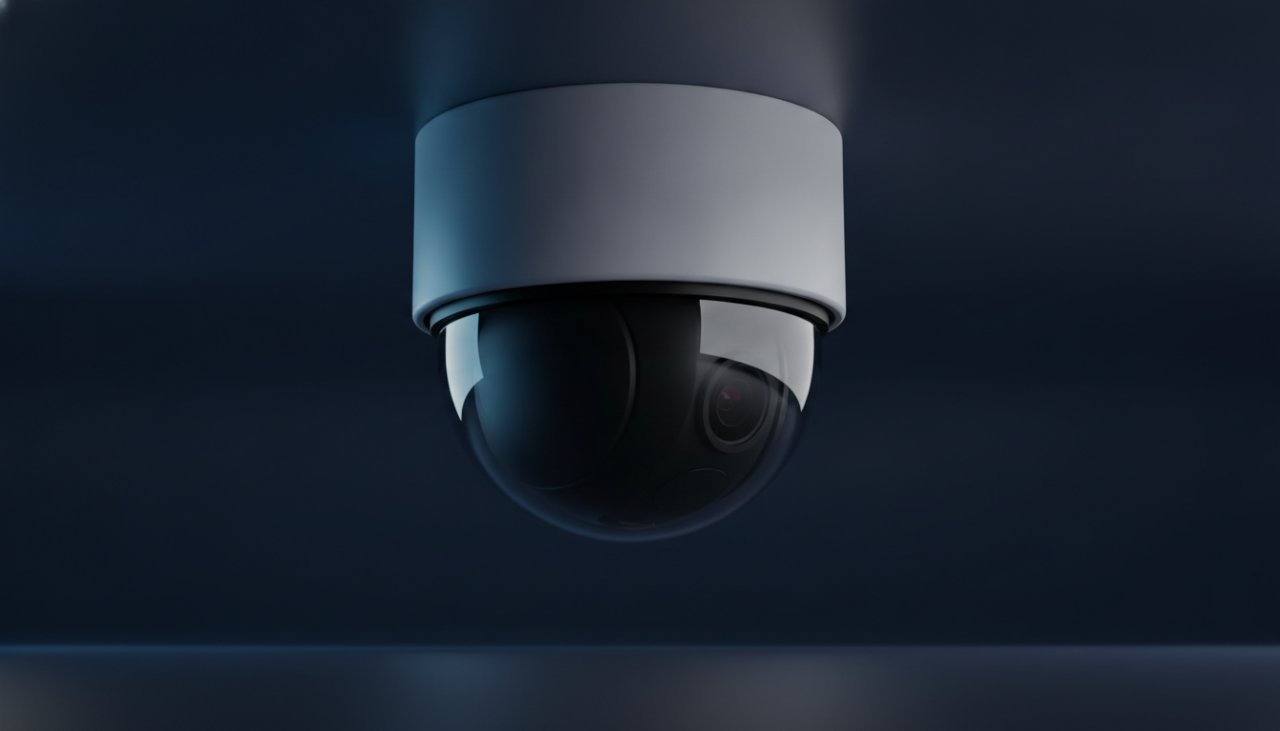
A white ceiling-mount dome camera
Your cameras, or ours

Your existing cameras, with ours added where a view is missing.

Most sites already have cameras on the counter, the lane and the dock for security. The edge device connects to those on your network, and during setup we check each camera's view against what you want to measure. Where a view is missing, a kit adds one of two cameras that cover most of the work.

Indoor dome camera
Indoor

180° dome

Mounts on the ceiling and sees a whole counter, dining room, kitchen line or row of dock doors in one view.

  • Counters, lobbies and dining rooms
  • Kitchens and holding cabinets
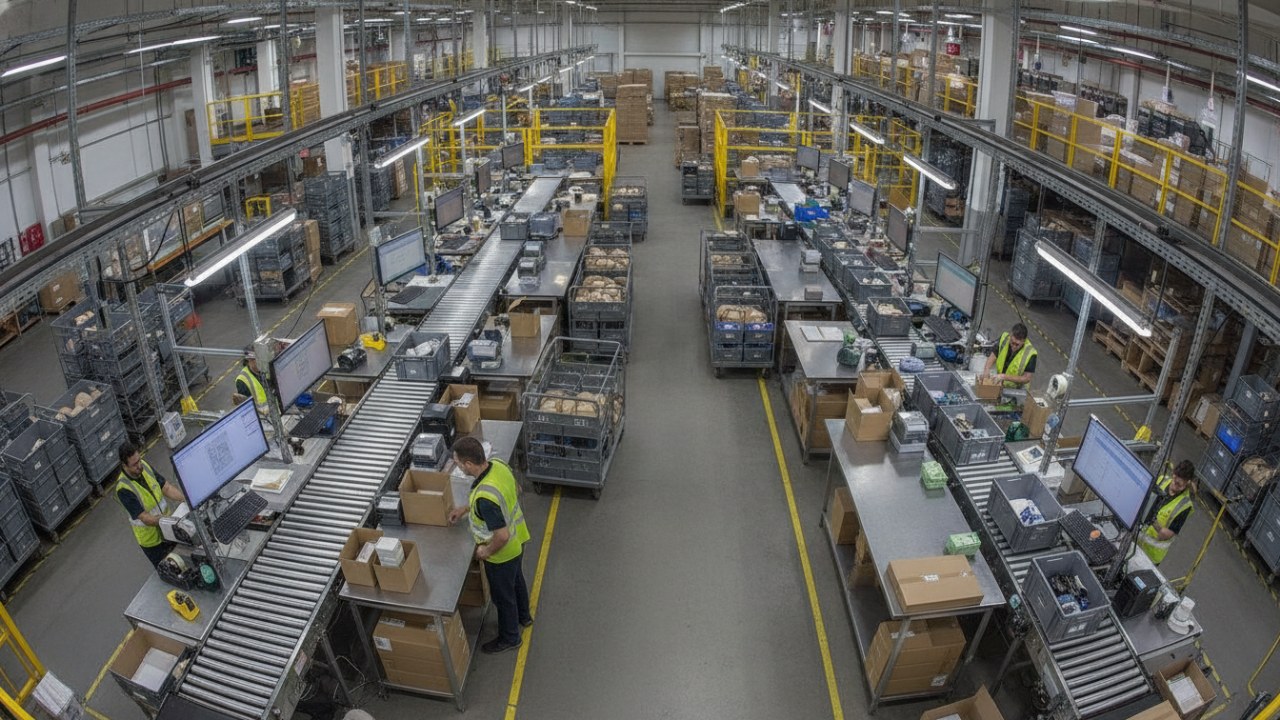
  • Loading docks, pack stations and sortation
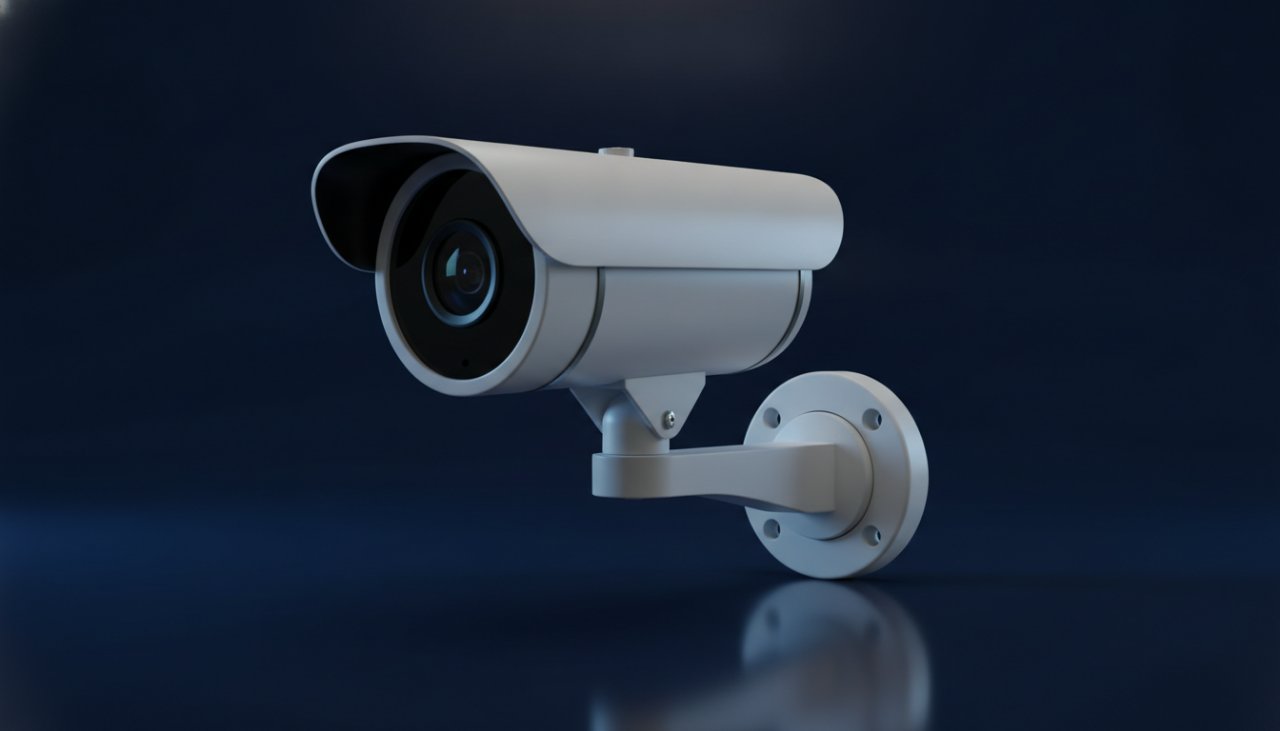
Outdoor bullet camera
Outdoor

Weather-sealed bullet

Mounts on a wall or pole and looks down a lane, across a yard or at a gate. Built for outdoor mounting.

  • Drive-thru lanes and pickup windows
  • Truck yards, gates and parking
  • Job-site perimeters and deliveries
Recorders

Works with the recorder already in your stores.

Recommended

LatticeWork VaiSense

Unlocks VideoBI's AI features.

vaisense.com ↗

Hikvision

Also Lorex, LTS, Annke and most house brands

Dahua

Also Amcrest and older Lorex

Uniview

Hanwha Wisenet

Axis

UniFi Protect

No recorder

ONVIF cameras connect directly; any other camera by its RTSP address.

Where they go

Each camera answers a question about the operation.

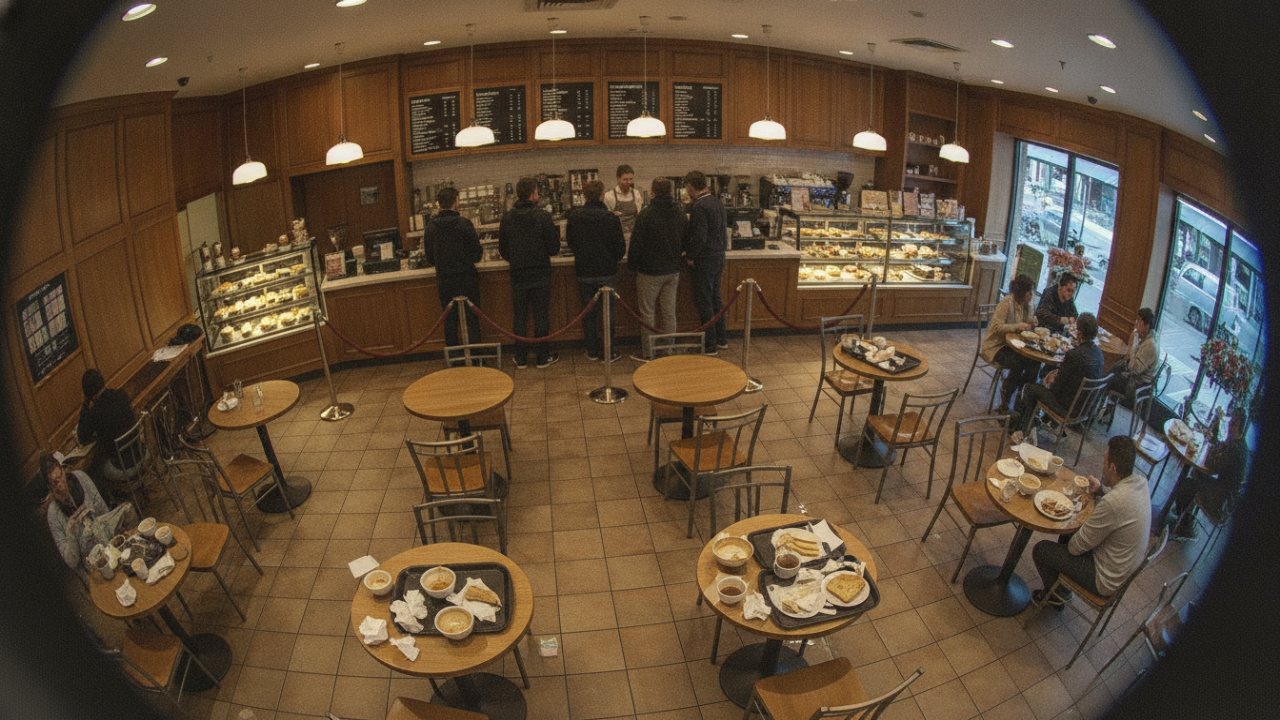
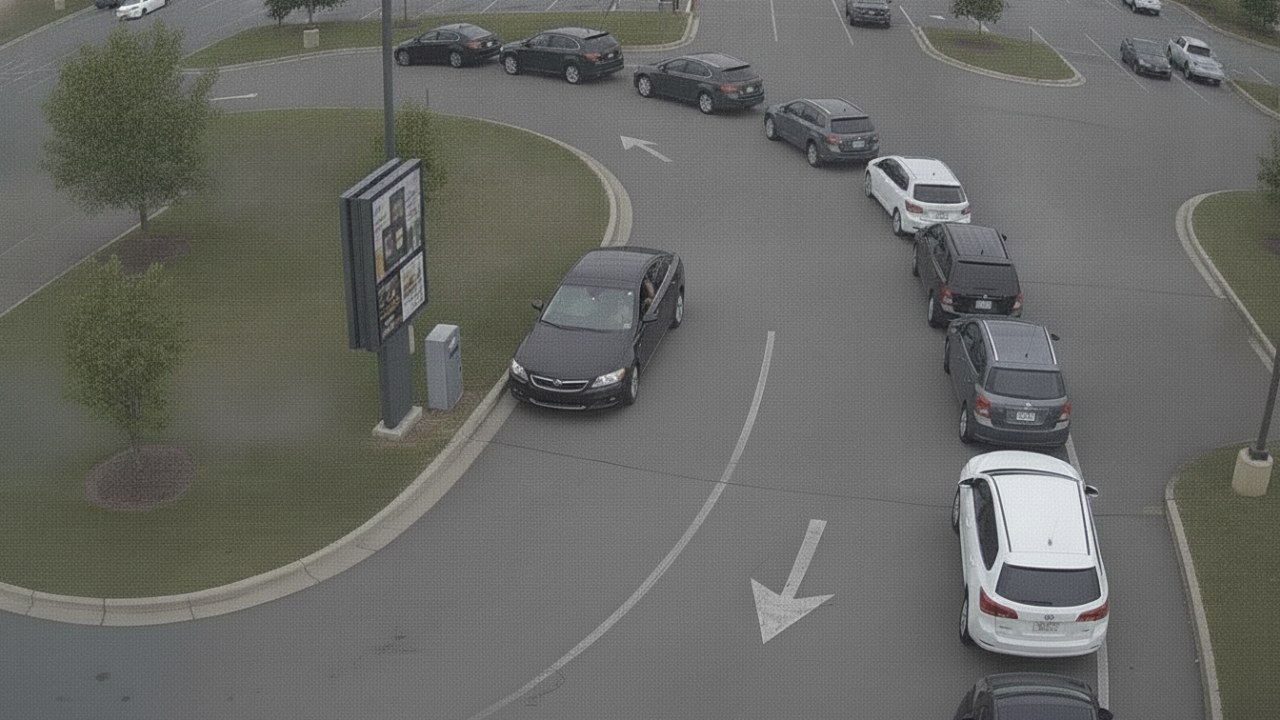
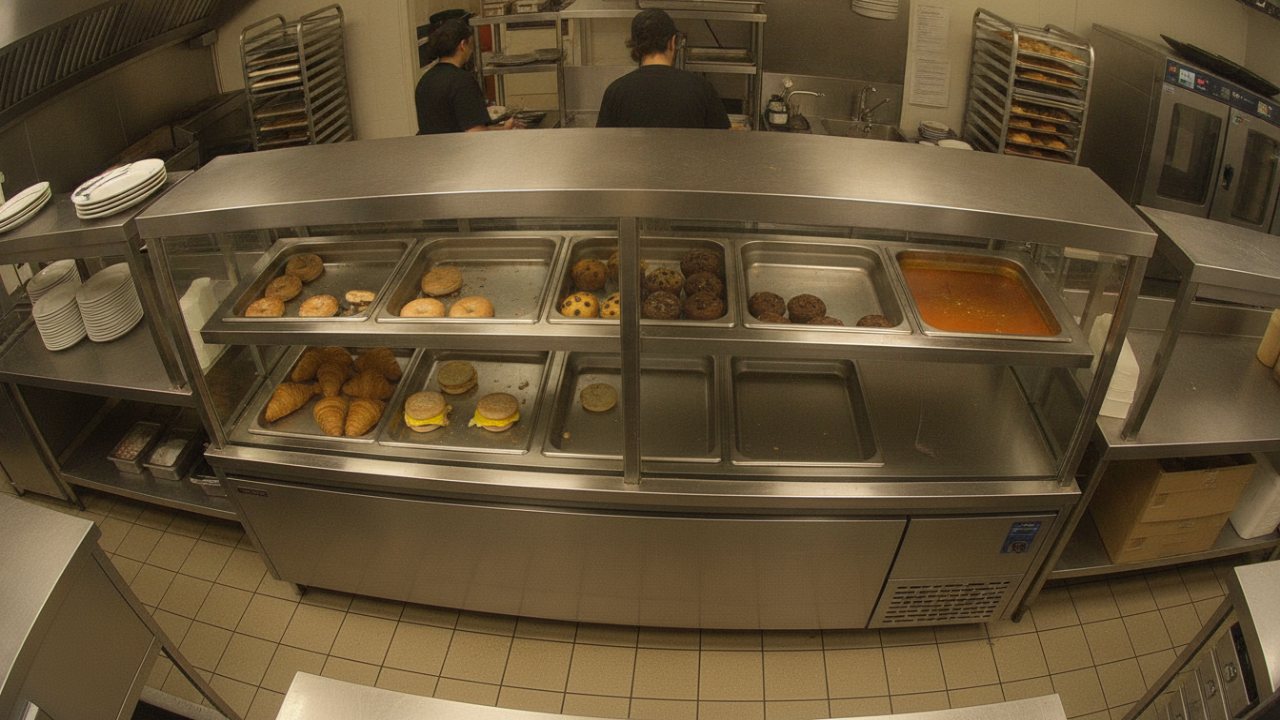
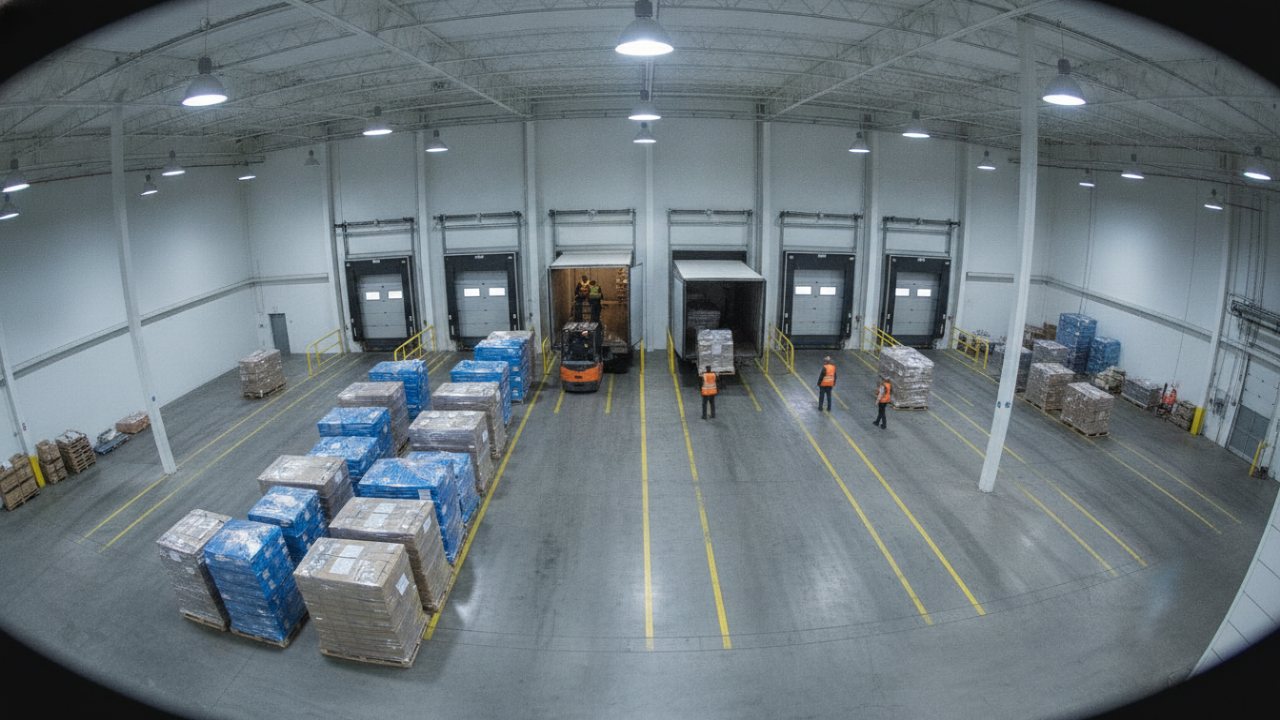
These are camera views from the VideoBI live demo, with one of the readings each one writes.

Restaurant counter and lobbyLine 5 · waiting 2:48
Indoor dome

Restaurant counter and lobby

  • People in line and how long they wait
  • Registers staffed or not
  • Guests who leave without ordering
  • Tables waiting to be cleared
Drive-thru laneLane 9 cars · avg 3:42
Outdoor bullet

Drive-thru lane

  • Cars in the lane and at each stage
  • Time at the menu board and the window
  • Cars that leave before ordering
Kitchen and holding cabinetMac & cheese · 3 of 12
Indoor dome

Kitchen and holding cabinet

  • How full each pan is
  • How long food has been held
  • Batches cooked and thrown away
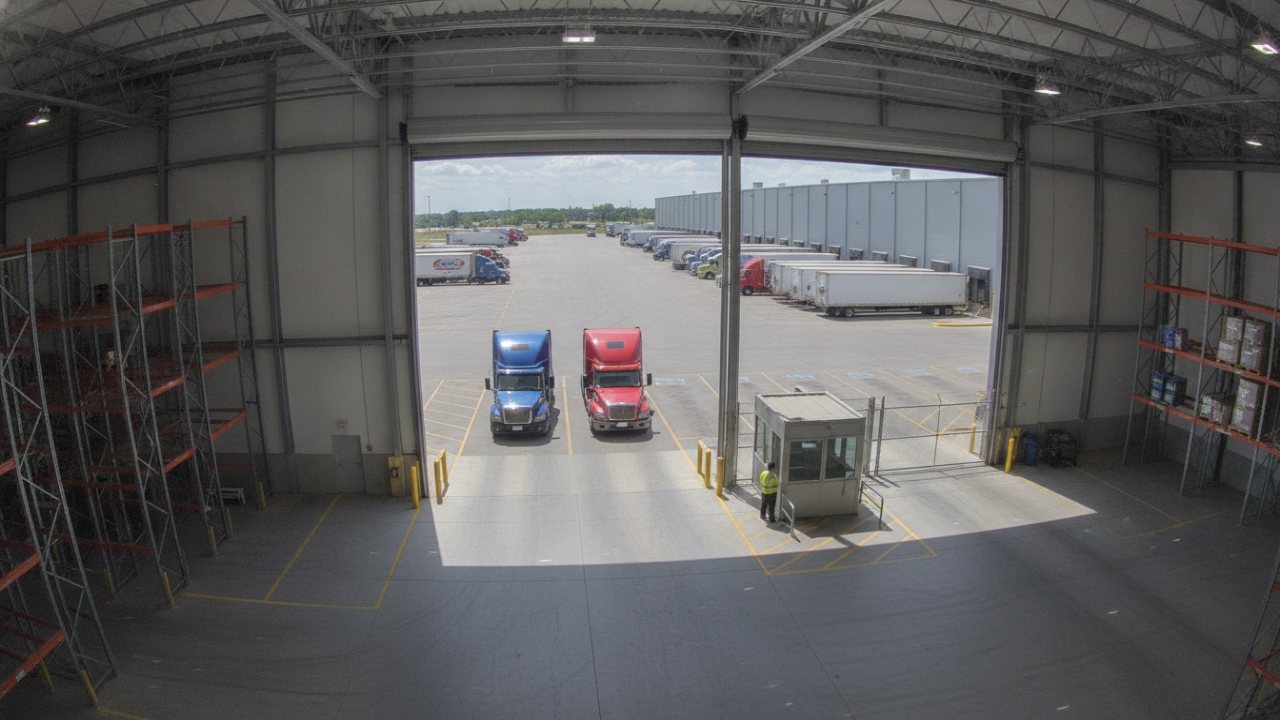
Loading dockDoor 7 · waiting 48 min
Indoor dome

Loading dock

  • Trailers at each door and for how long
  • When a crew starts work
  • People at an open dock edge
Pack stations and conveyorsLine 1 · no totes 14 min
Indoor dome

Pack stations and conveyors

  • Stations staffed
  • Units moving on each line
  • Work waiting at each station
Yard, gate and parkingYard 84% full
Outdoor bullet

Yard, gate and parking

  • Trucks arriving and leaving
  • How full the yard is
  • Time from gate to door
Zones

VideoBI reads the zones you draw.

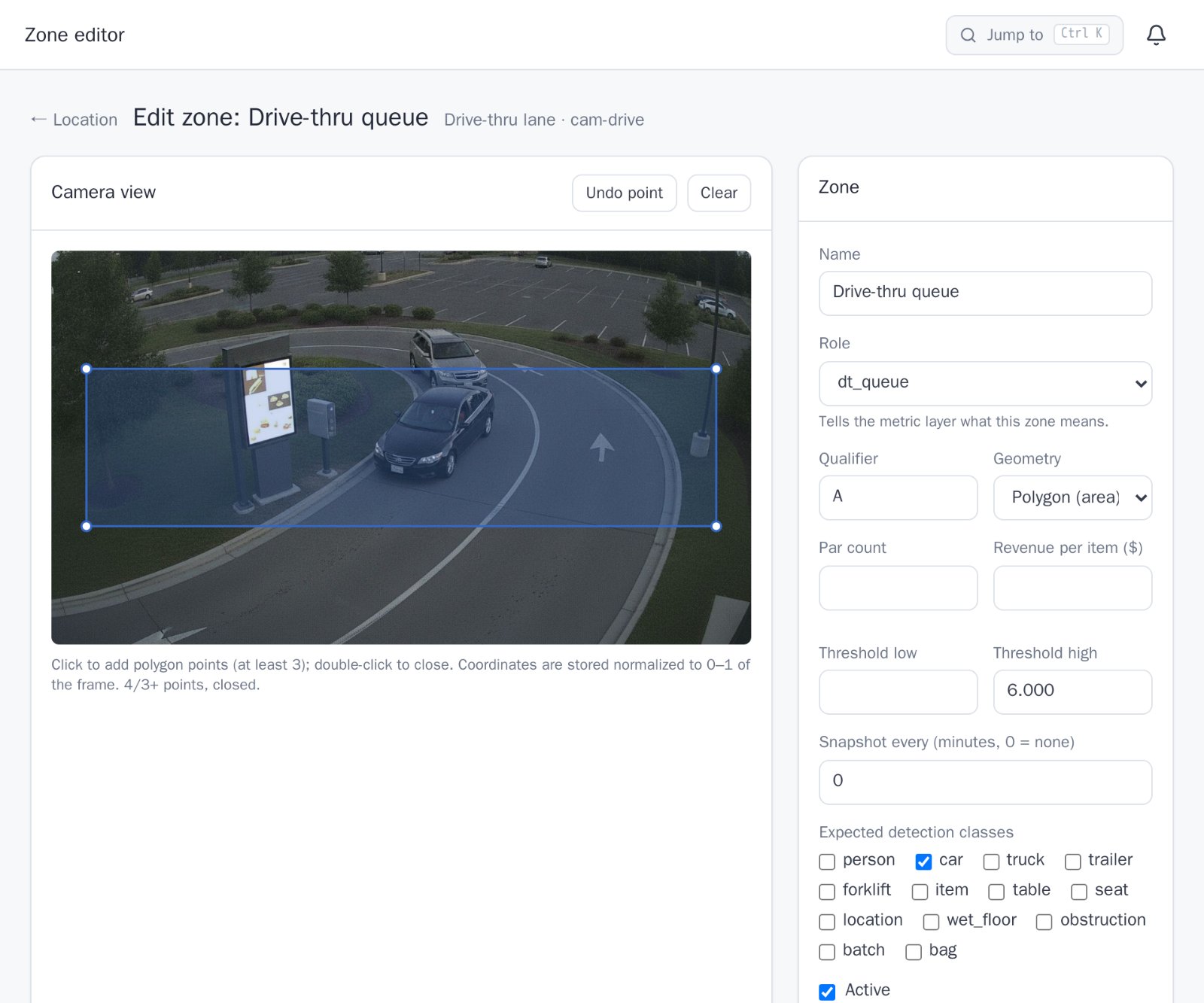
A zone is an area or a line on a camera's view: the drive-thru queue, a register, a pan in the holding cabinet, a dock door, the yard gate. Each zone has one or more named measurements, such as a count of cars or the time each car spends there, which set what VideoBI records in it.

  • Areas for waiting, staffing and stock
  • Lines for arrivals, departures and units on a conveyor
  • Alerts and thresholds on any measurement

How zones become datasets →

The VideoBI zone editor with the drive-thru queue drawn on the lane camera
What cameras don't do here

VideoBI counts and times without identifying anyone.

No facial recognition

VideoBI counts, times and locates. It does not identify people or follow one person across cameras.

Video stays on site

Cameras connect to the edge device in the building. Only readings, and the stills you ask for, leave it.

Blur before upload

Stills and clips can have people blurred on the device before they reach the cloud.

Next in the platformEdge devices →

Plan the cameras for your sites with us.