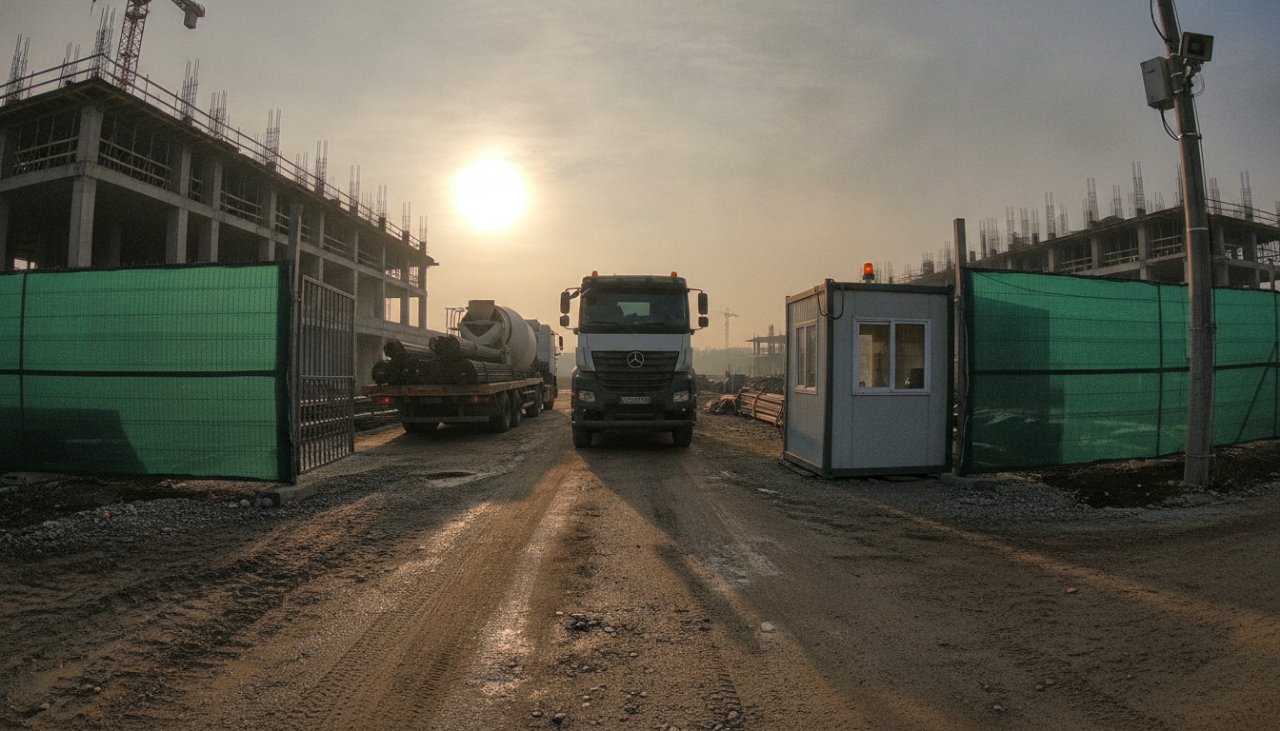
 Gate · mixer waiting 24 min
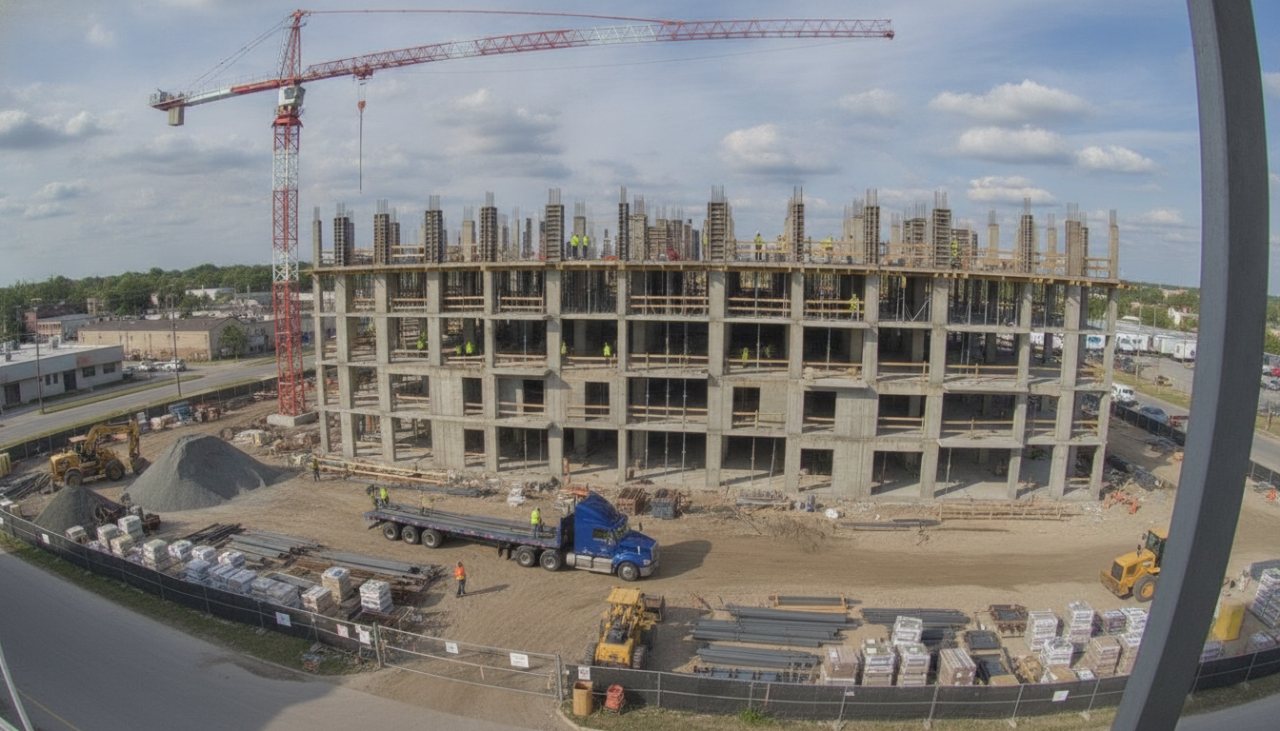
The gate and access road
Every delivery and how long it waited, trucks through the gate by hour, standby at the supplier's rate
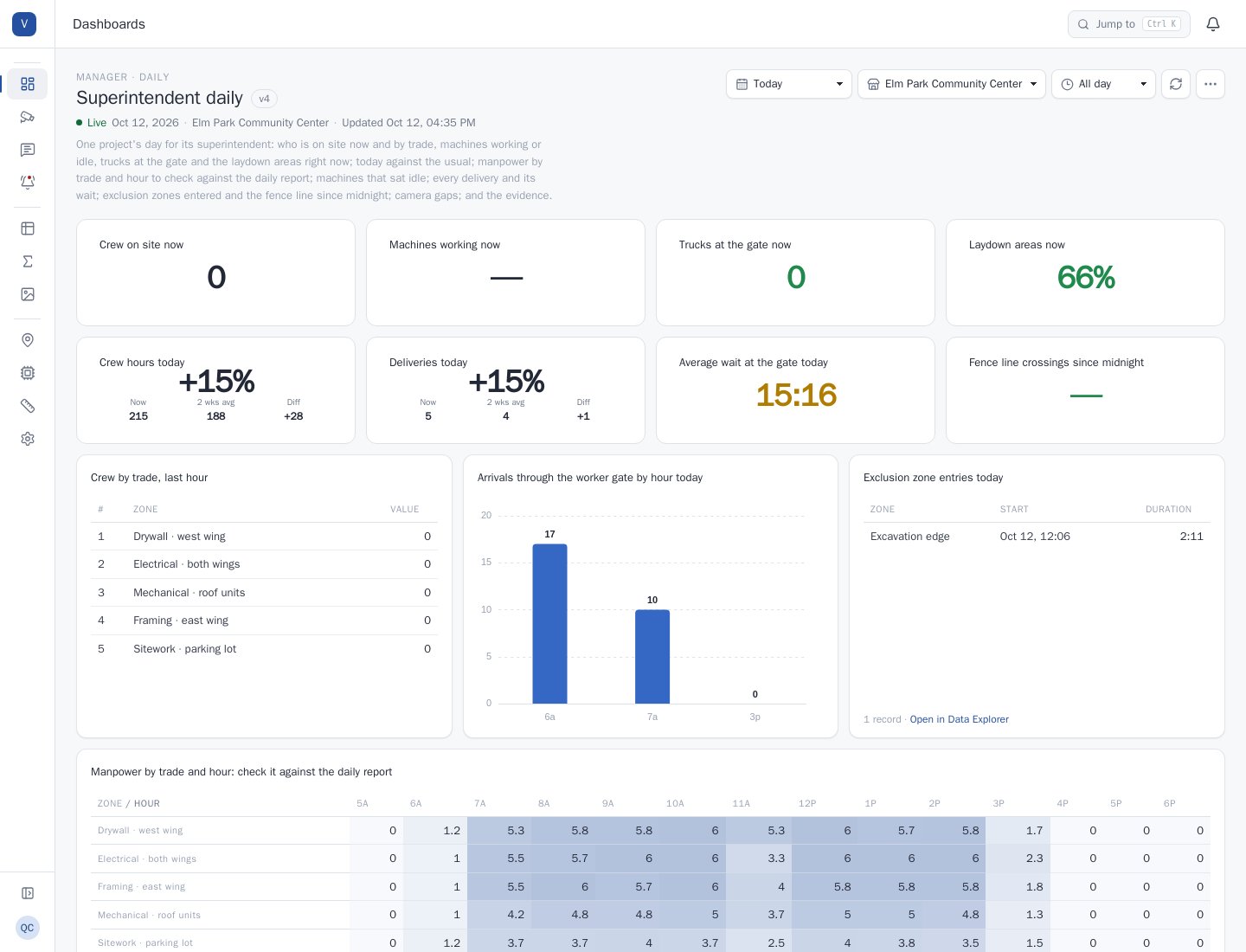
Daily reports are written from what the foreman remembers. VideoBI measures how many people from each trade were on site each hour, how long each rented machine worked and how long it sat, how long every delivery waited at the gate and what that standby cost, who entered an exclusion zone and who crossed the fence after hours. It turns site cameras into the record behind daily reports, rental invoices, standby charges and the next bid, across every project.
Crew hours, equipment and deliveries drive a project's margin, and the only record of them is a handwritten daily report. Subcontractor hours are billed, rented equipment is paid for by the day and trucks wait at the gate, all without an independent measure.
Subcontractor manpower on the daily report is rarely checked against how many people were actually on site, trade by trade, hour by hour.
A rental invoice says how many days a machine was on site; nothing says how many hours it worked.
Standby charges arrive weeks later, with no record of which truck waited, when, or why.
An edge device on site reads the cameras and writes readings for the zones that matter. The video stays in the building.
Gate · mixer waiting 24 minEvery delivery and how long it waited, trucks through the gate by hour, standby at the supplier's rate
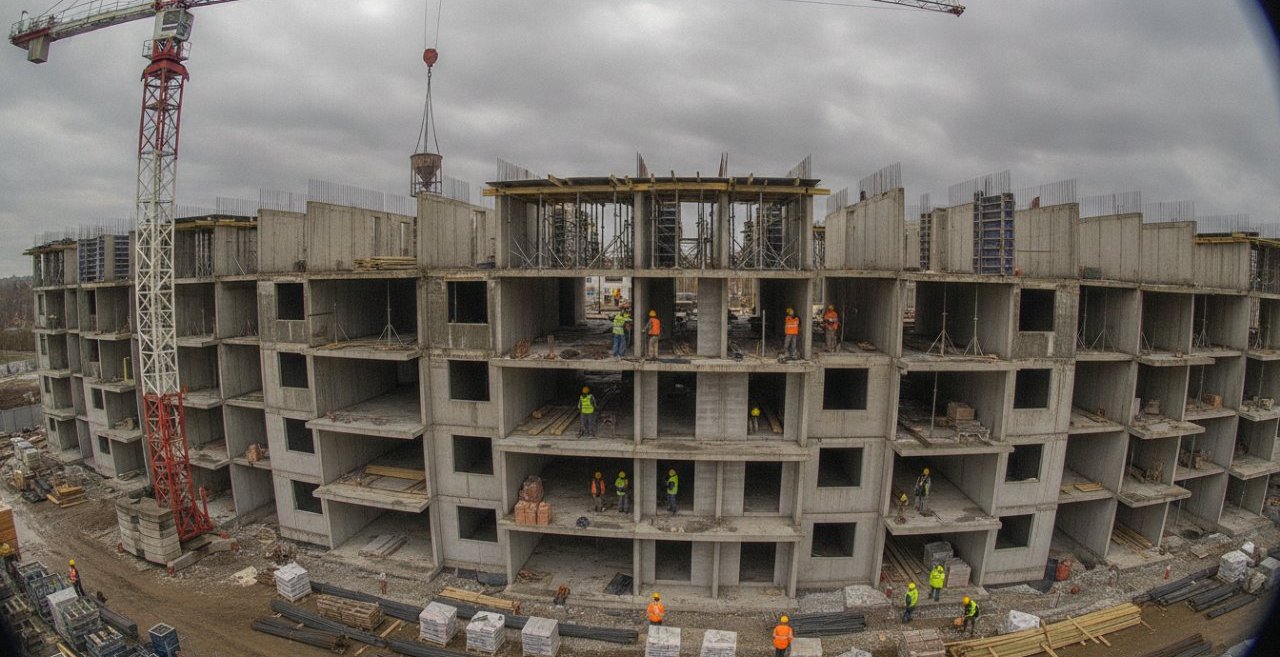 Electrical · 9 on site after 2 pm
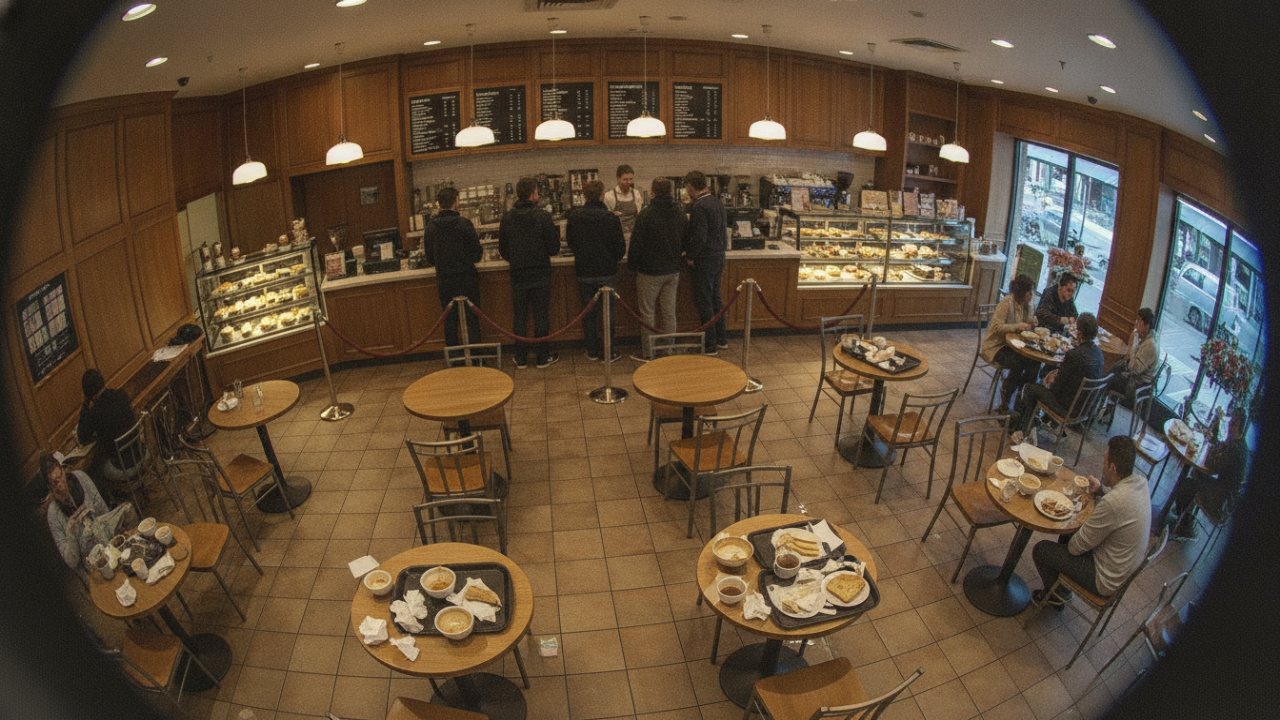
Crew by trade and area, hour by hour, against the daily report; exclusion zones entered; the fence line after hours
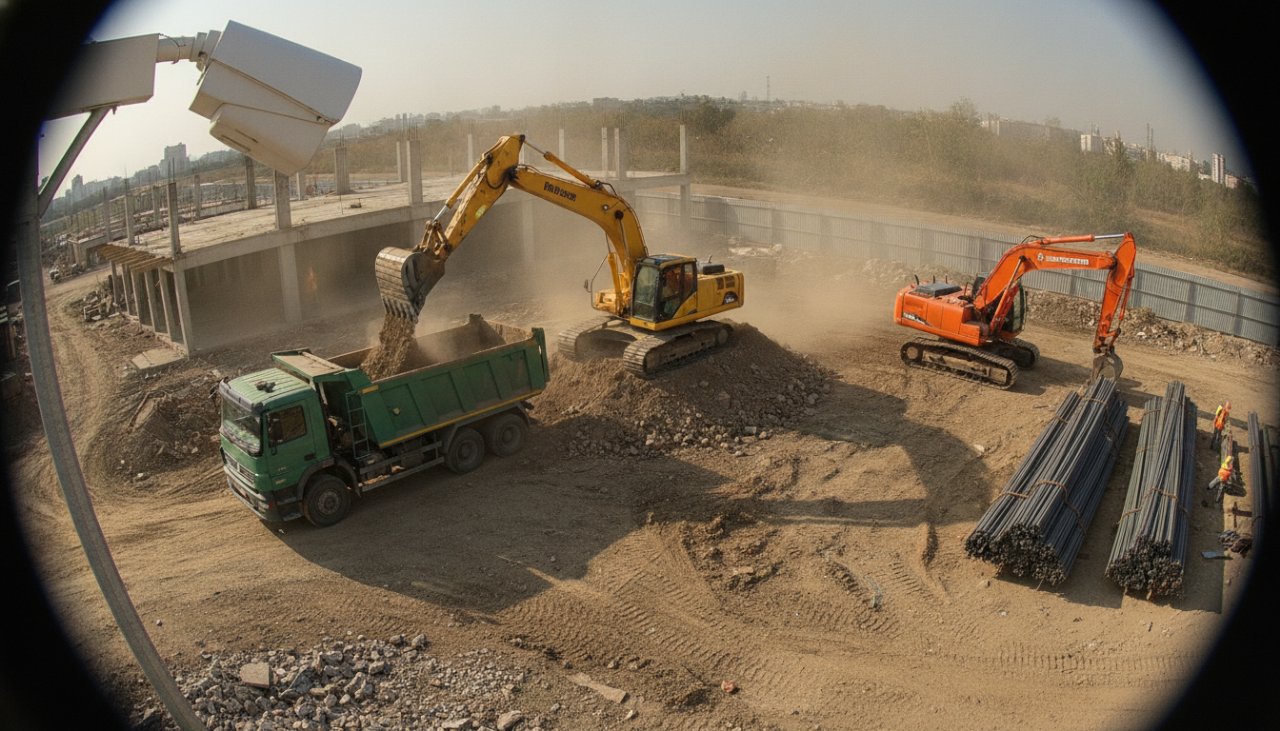 Excavator 1 · idle 2:07
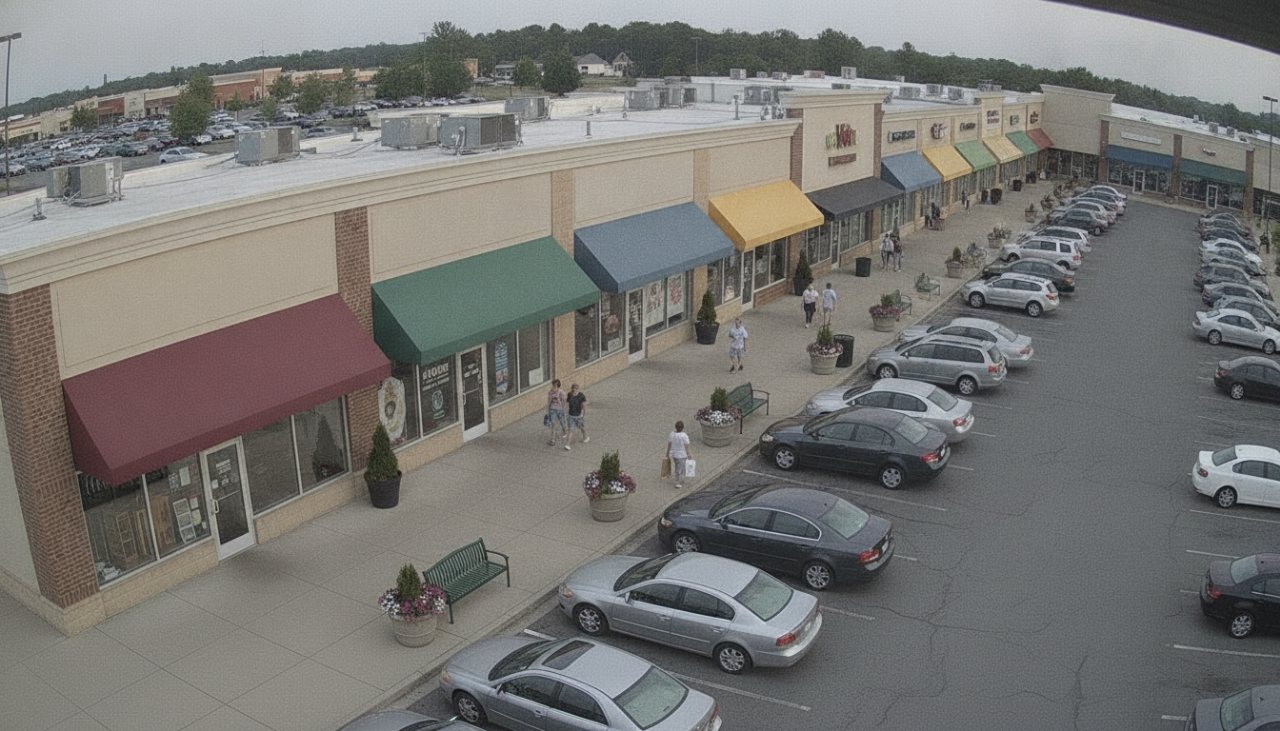
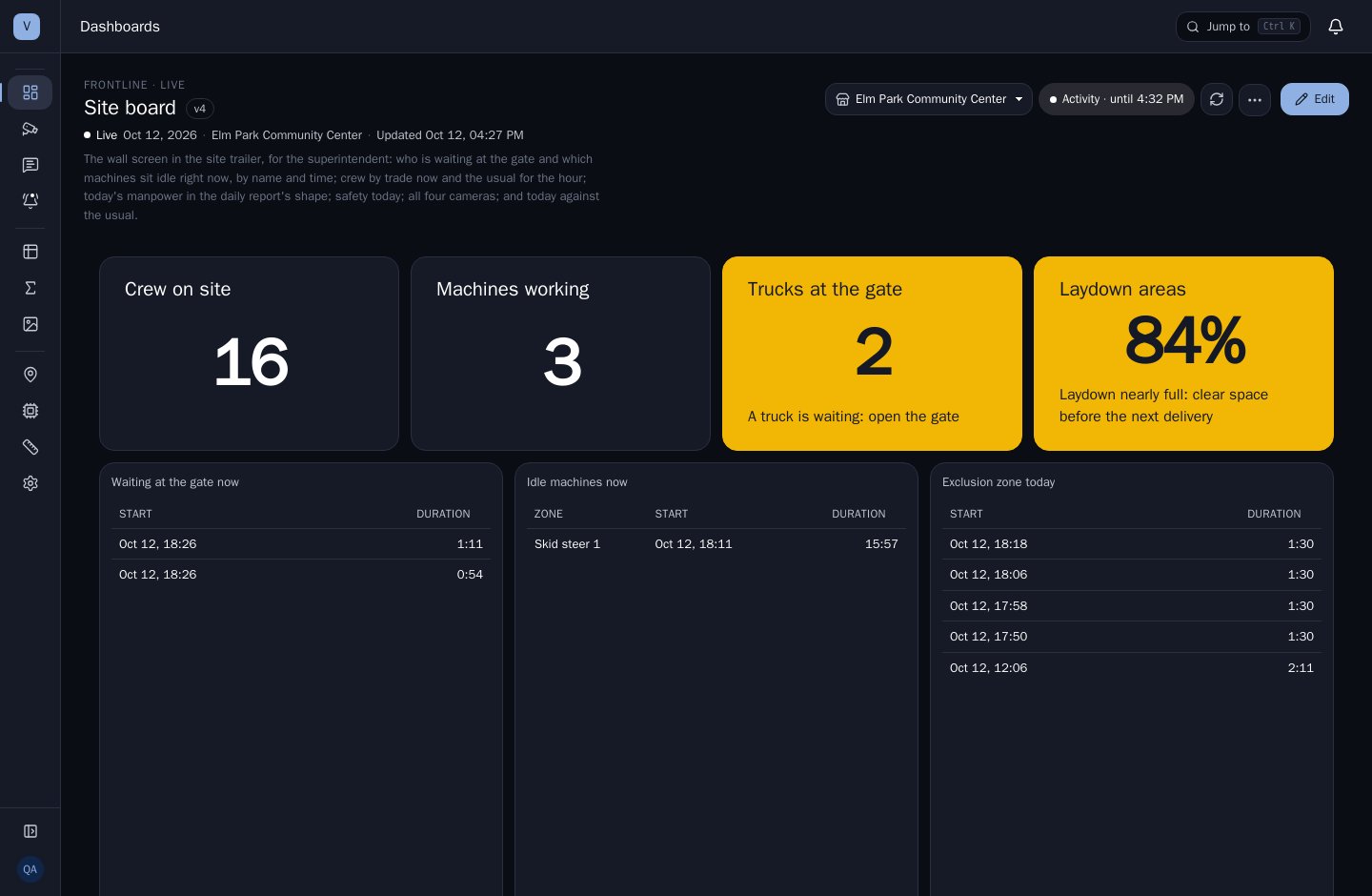
Each machine working or idle, idle hours at the rental rate, laydown areas filling before the next delivery
Measured crew hours and deliveries, timestamped, behind pay applications and change orders.
Crew and equipment on site by hour show where a trade is falling behind, early.
Measured productivity from past projects makes the next estimate sharper.
A record of how many people were on site, and when, by trade.
Manpower on site by trade and hour, against what's billed on the time-and-materials invoice.
Working and idle hours of every rented machine, so it goes back when it isn't needed.
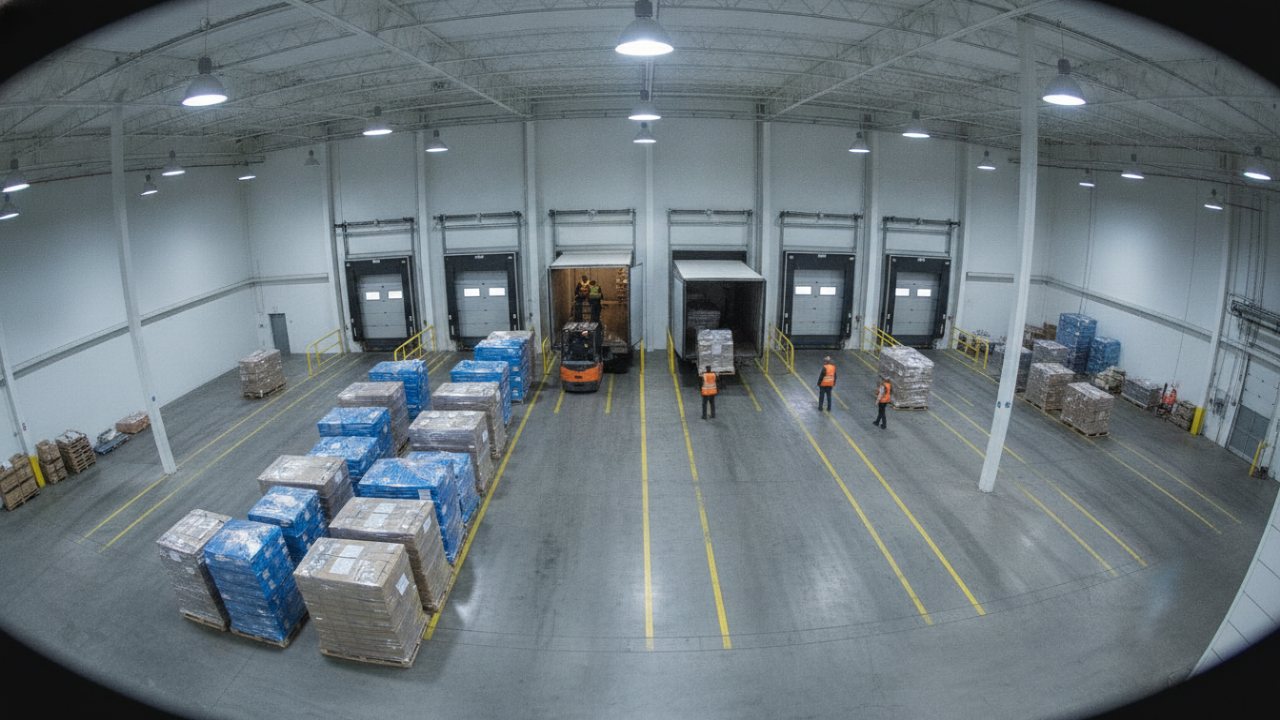
Delivery dwell by hour and day, to schedule the gate and dispute standby charges with the record behind them.
Fence line crossings at night and exclusion zones entered, each with the still and clip that shows what happened.
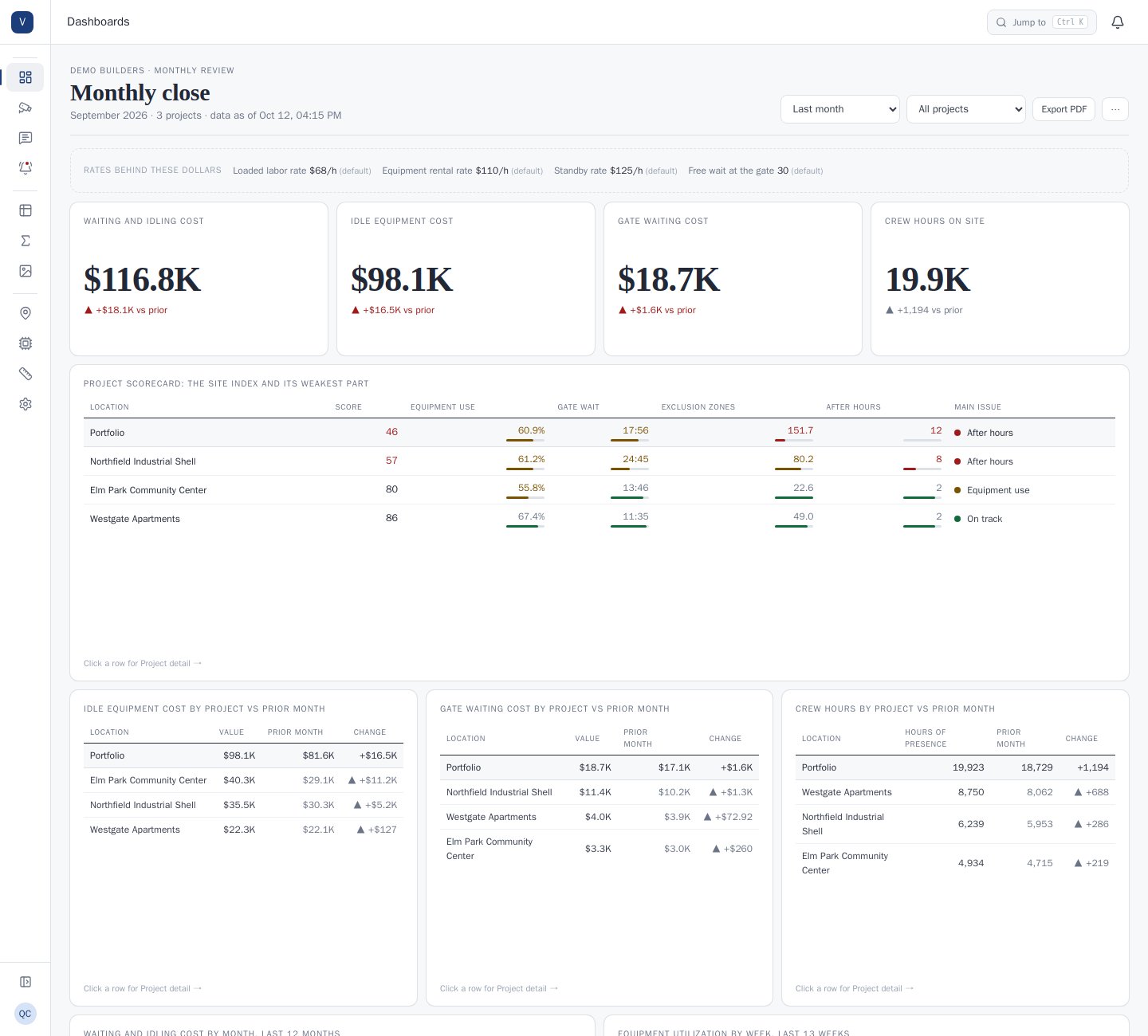
Each role sees the same governed numbers, arranged for the decisions it makes.
Ask VideoBI in plain language. It investigates across every site and answers with the numbers and the evidence behind them.
Ask answers from your own sites' readings: the measured numbers, the sites and hours behind them, and what the cameras can't see.
Early access: Ask is set up with your first sites. How Ask works →
Recoverable dollars are counted week by week and pay for the system. Decisions about capital, leases and operating models made with the same evidence affect results for years.
Dollars use the contractor's own rates: the loaded trade rate, the equipment rental rate, the standby rate and the free wait at the gate, set once in VideoBI. Crew hours stay hours: a cross-check against daily reports and invoices, not payroll.
We'd like to use analytics cookies to see how people use this site, and LinkedIn's tag to measure our ads. Both stay off unless you accept. Cookie notice